
Friends' table
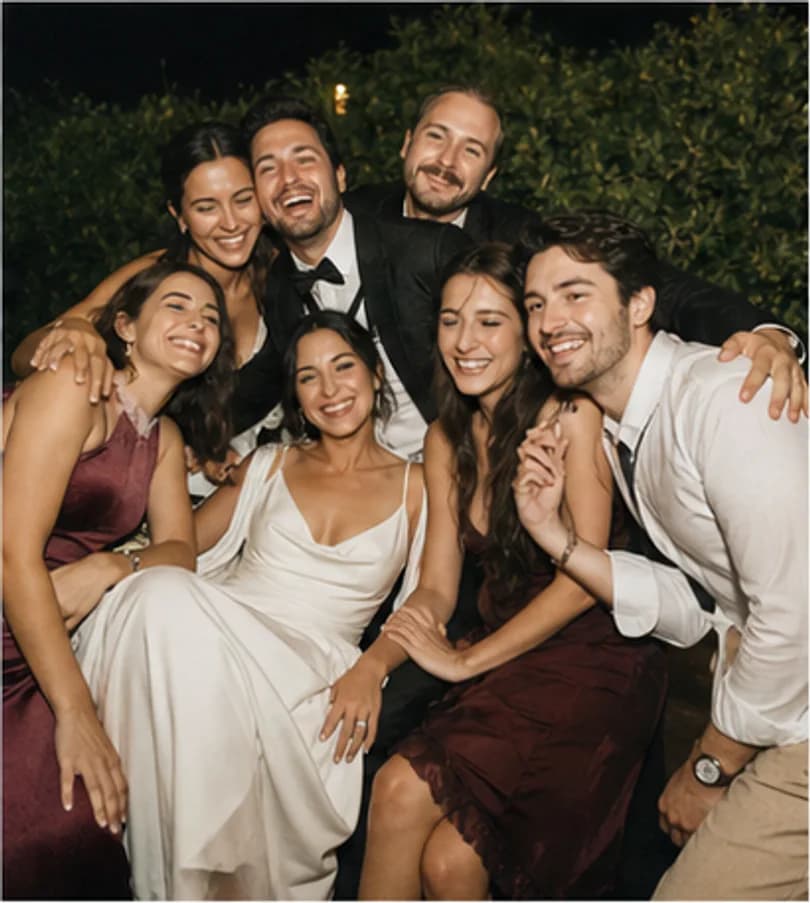
Keep the laughter you did not see
Catch up on the joyful moments your friends shared while you were somewhere else in the room.
Your wedding, through your guests' eyes
Guest Capsule helps wedding hosts collect guest photos and videos in one private event gallery. Guests scan your QR code and share what they capture throughout the day — no app download required.
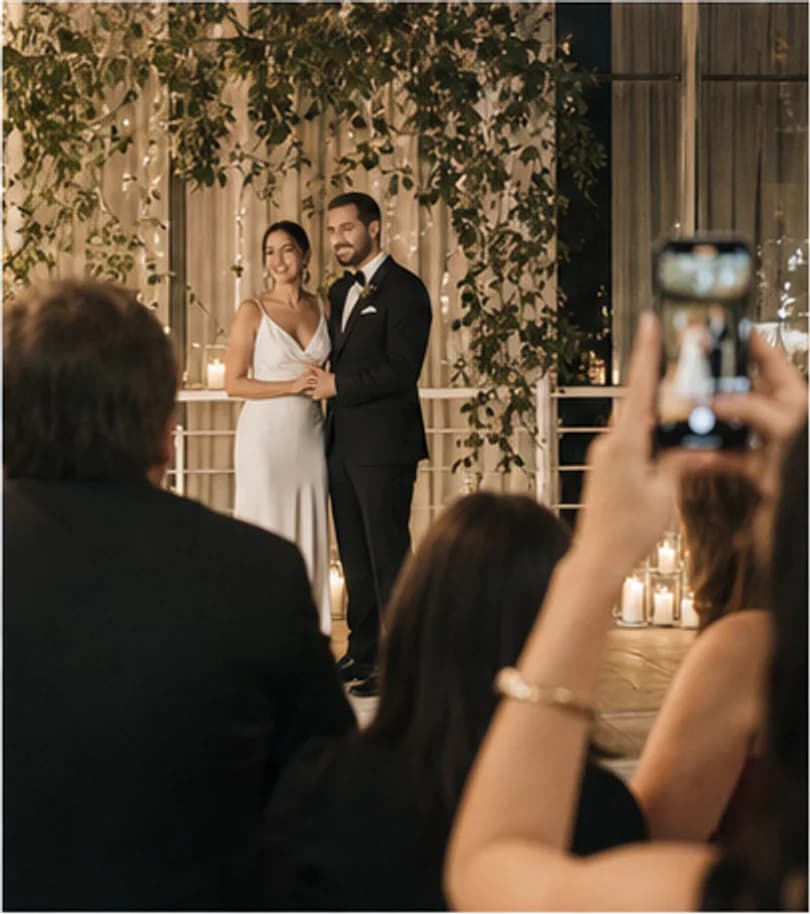
The couple through a guest's eyes
New memory
Open for uploadsA new memory was added
Eda & Mert
18 July 2026 · Istanbul
The story beyond the main frame
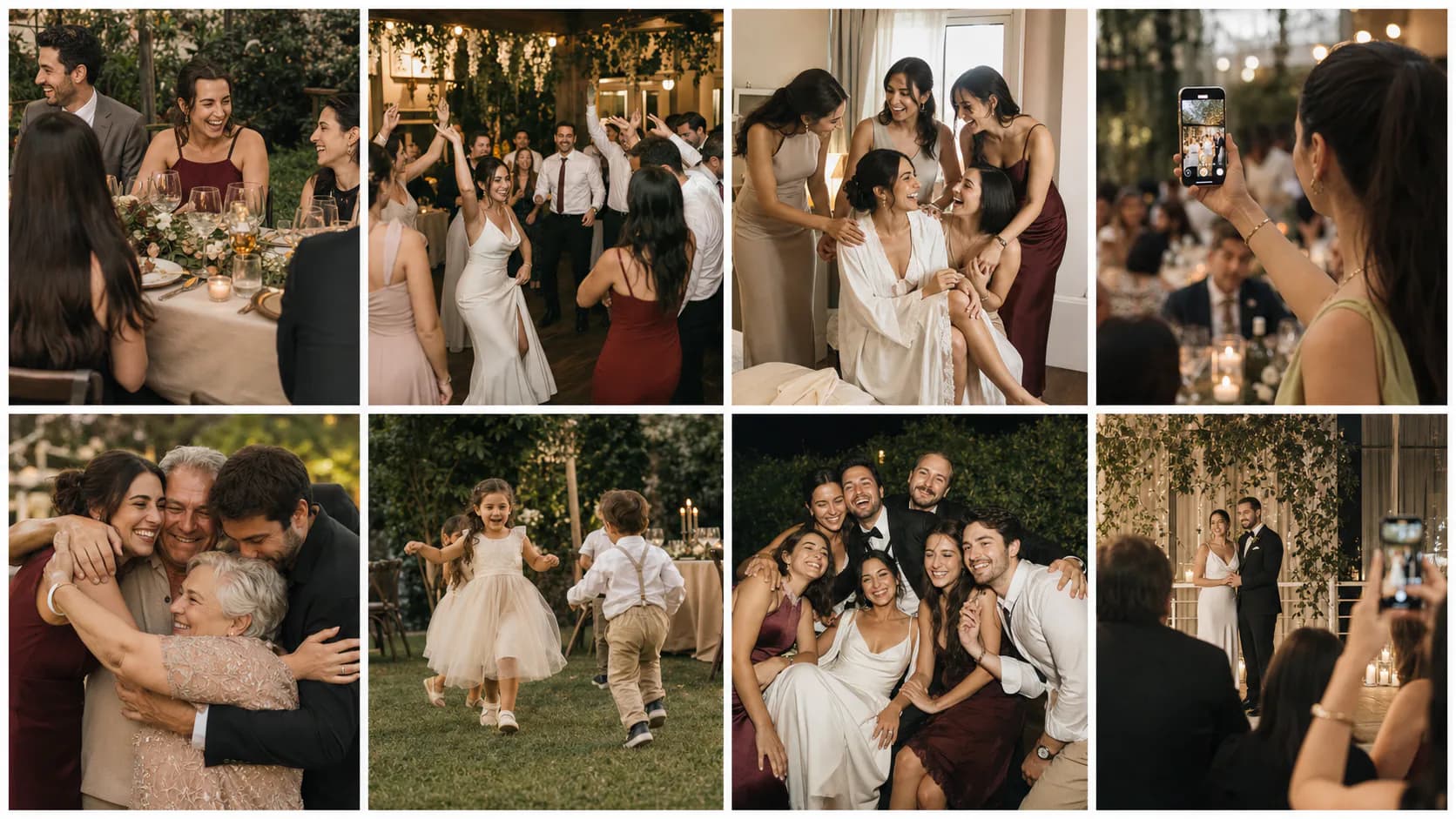
The real story of a wedding unfolds beyond the ceremony: around friends' tables, in the getting-ready room, on the dance floor and on your guests' phones.
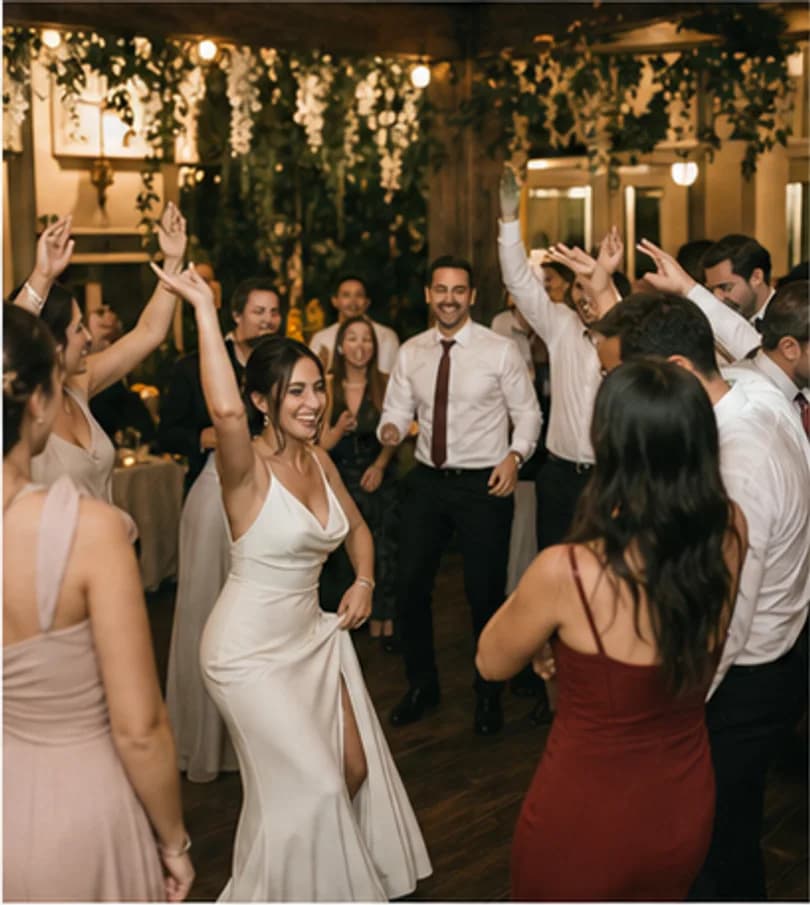
Catch up on the joyful moments your friends shared while you were somewhere else in the room.
Natural, energetic and funny guest photos preserve the atmosphere long after the music ends.

Bring together the anticipation, small rushes and quiet moments shared with the people closest to you.
Discover personal and unexpected views of the same moment, captured by different guests.
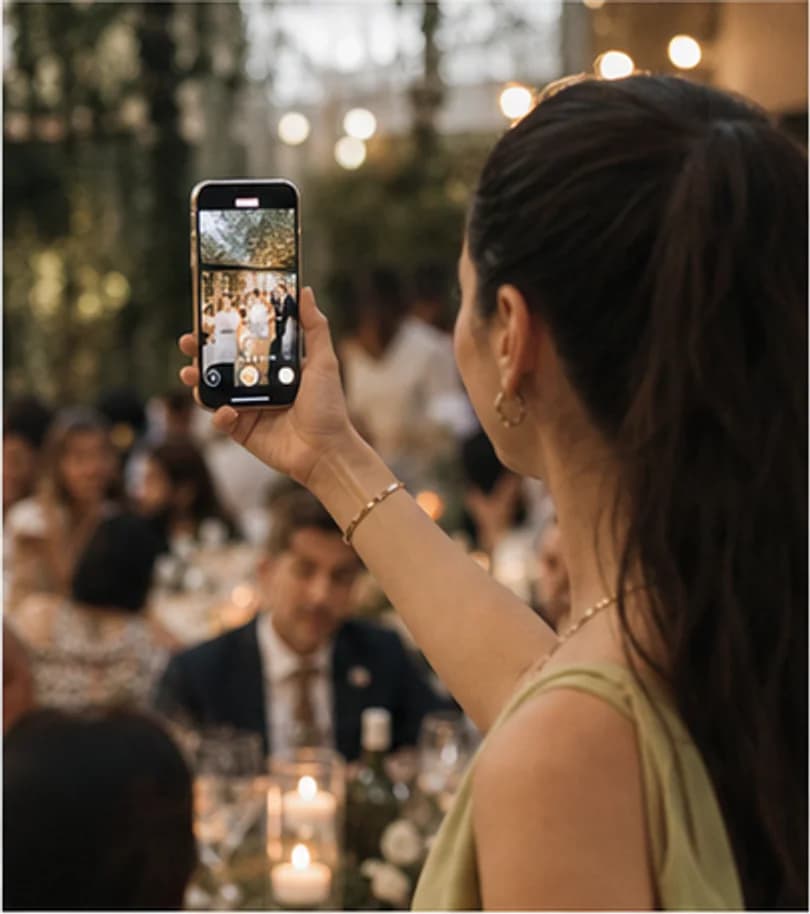
Collect laughter, surprises, well wishes and the short videos that make the day feel present again.
One celebration, many points of view
Two perspectives, one complete story
Your photographer captures the defining moments with professional care. Guest Capsule gathers the candid, personal footage recorded by the people celebrating with you.
“Your professional album preserves how the wedding looked; Guest Capsule preserves how it felt from inside the celebration.”
From scattered messages to an organised collection
When memories stay across different phones and conversations, collecting them becomes work. Large videos may not send, and messaging apps can reduce image quality.
Guests scan the QR code, enter their name and upload a photo or video directly to the event. You manage the files in your own Drive folder or in the customer panel, depending on your plan.

How it works
Set up the event and share the QR code. Your guests take care of the rest in a few taps.
Use an account and the right plan to prepare a space for your wedding, engagement or special occasion.
Place it on table cards, invitations, entrance signs or screens around the venue.
Guests enter their name and upload photos or videos from their phone without installing an app.
Use your Drive folder on Basic, or view and download individual files from the customer gallery on Plus and Pro.
A few taps for every guest
Guests never have to deal with Google Drive, Gmail or storage settings. They open the QR link, enter their name and share a memory.
Scan the QR code
Open the event's QR code with the phone camera.
Enter a name
Type a name on the upload page without creating an account.
Choose a memory
Select photos or video files directly from the phone.
Finish the upload
Tap upload and see a confirmation when the file is ready.
Your guest only shares the memory. The event owner handles storage and management according to the chosen plan.
Eda & Mert
Sample panel (Turkish)
Enter a name
dans-pisti.jpg
Photo
iyi-dilek.mov
Video
A different memory in every corner
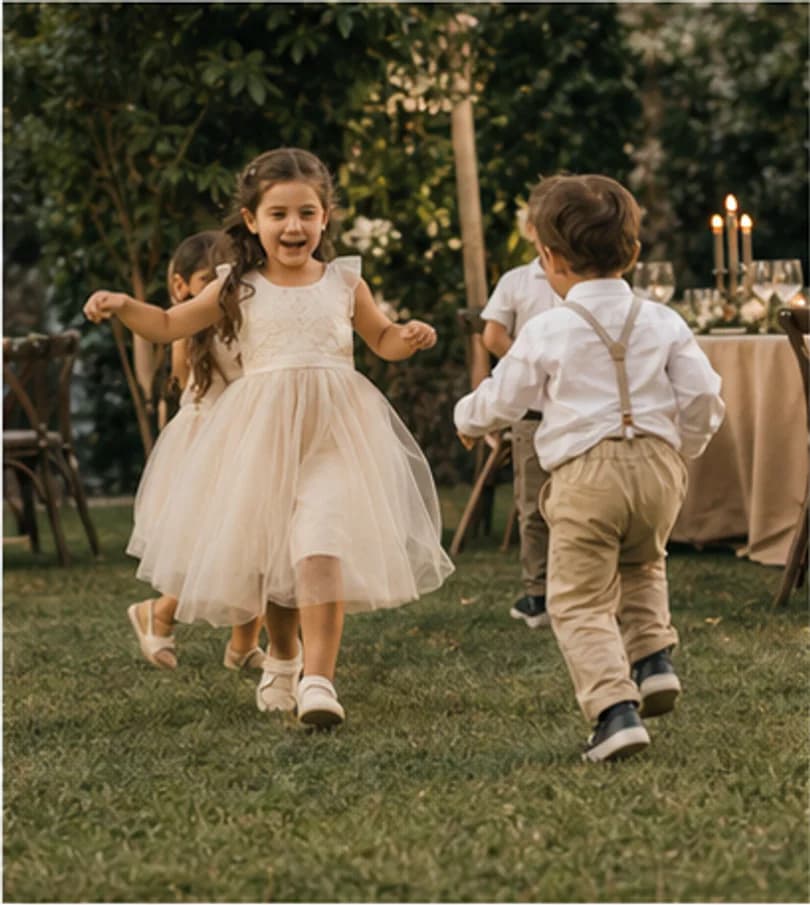
Small details, different perspectives and the final hours of the night come together to tell a richer story.
Beyond the wedding day
Weddings are at the heart of Guest Capsule, and the same simple sharing flow works for other meaningful gatherings too.
Clear plans
Start economically with your own Google Drive storage, or use the Guest Capsule cloud gallery without connecting a storage account.
Use your own Google Drive space for one event and accept uploads for 7 days. A Guest Capsule gallery is not included.
$29
One-time event payment
For one event using the client's Google Drive space
100 GB of Guest Capsule cloud storage for one event, with 90 days of uploads and 12 months to view and download individual files.
$79
One-time event payment
Guest Capsule cloud archive for one wedding
Run up to 20 active events at once with a shared 500 GB Guest Capsule cloud pool, plus 90-day uploads and 12-month access per event.
$149/mo
Planner and venue subscription
Monthly plan for planners and venues
A real event requires an account and an active paid plan. Plus and Pro display files in the customer panel; downloads are available one file at a time.
A simple, transparent experience
See the guest experience, storage model and plan limits clearly before you choose.
Guests complete the upload in their phone browser.
They only need to enter their name before uploading.
Every event has a QR code and a link you can share.
Each photo can be up to 100 MB and each video up to 750 MB.
Basic uses your Drive space; Plus and Pro use the Guest Capsule cloud.
Guests do not see the archive; the owner manages files in Drive or the customer panel.
From scanning the code to choosing a file, the flow is built for a phone screen.
For venues and photographers
Include Guest Capsule in your wedding packages and offer couples a collection of guest memories alongside the professional coverage.
Frequently asked questions
Clear answers about the guest experience, storage and the differences between plans.
Contact supportNo. Guests scan the QR code and upload photos or videos through their phone browser.
No. There is no guest registration; they only enter their name on the upload page.
Yes. A single photo can be up to 100 MB, and a single video can be up to 750 MB.
Use it on table cards, invitations, entrance signs, menus or screens around the venue.
The guest upload page does not display the archive. The event owner manages content in the connected Google Drive folder on Basic, or in the customer panel on Plus and Pro.
Yes. Basic keeps files in your Google Drive. On Plus and Pro, you can view and download individual files from the panel for 12 months; bulk download is not available.
No. It is designed to complement professional coverage by collecting the candid and spontaneous moments captured by guests.
Only on Basic, where files use your Google Drive space and uploads stay open for 7 days. Plus and Pro use the Guest Capsule cloud and do not require a Drive connection.
Keep the whole day with you
Let your guests capture the laughter, surprises and moments you could not see, then gather them in a space created for your event.